
Web Development and Integrations
Payment Gateways in Colombia: How to Accept Online Payments From Your Website or System
Learn how to integrate a payment gateway in Colombia, what to review before choosing a provider, and when you need to connect payments to your website, CRM, or business software.
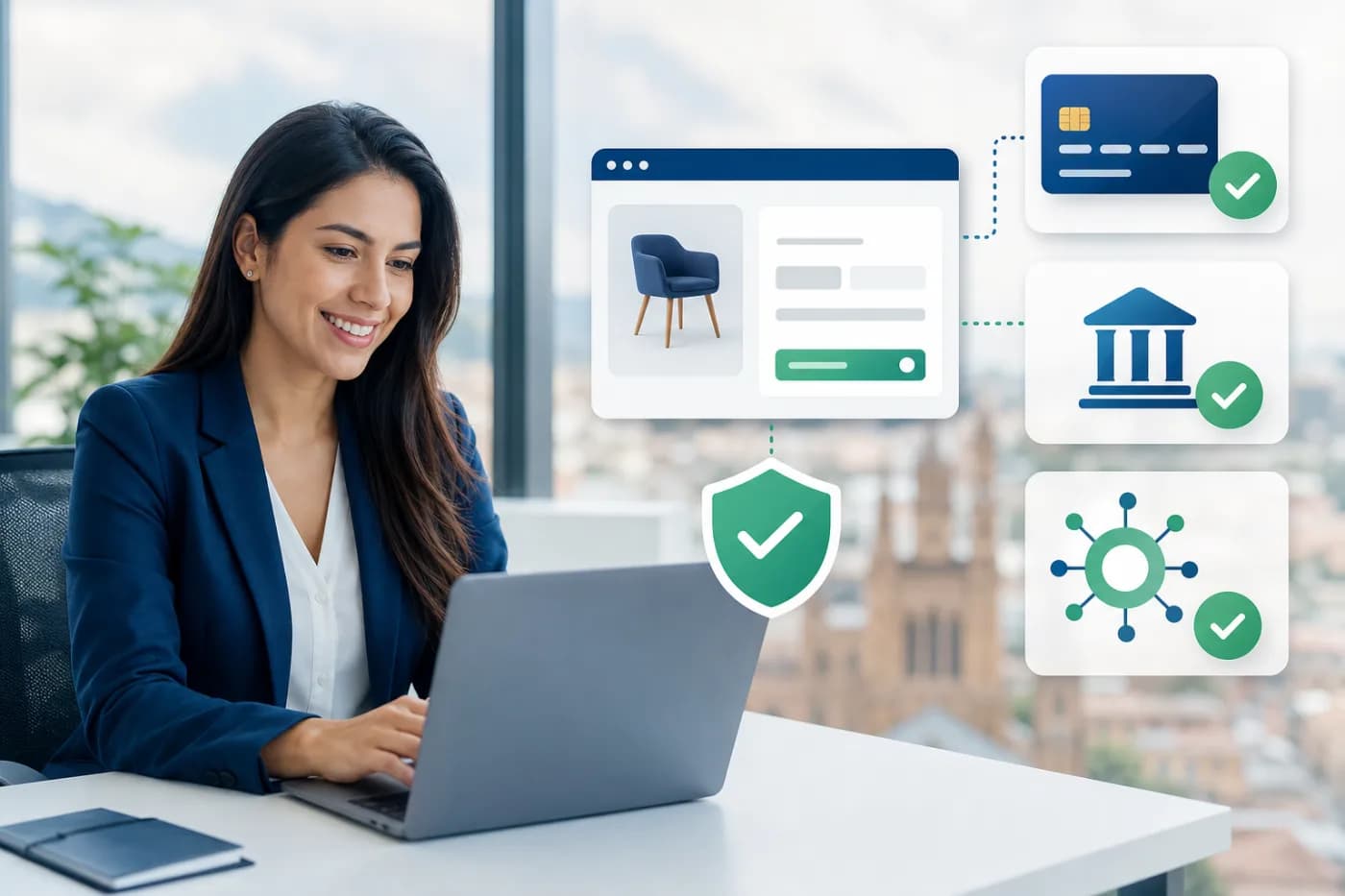
Accepting online payments involves more than adding a “pay” button to a page. In Colombia, a proper implementation must account for the payment method, user experience, transaction confirmation, security, and how the payment is recorded in the business. Providers such as Wompi and other payment gateways let you accept different payment methods, but the right integration depends on whether you have an online store, a custom system, a CRM, or a more complex sales process.
What Is a Payment Gateway?
A payment gateway is a service that connects your website or system with financial institutions to process a transaction. The customer starts the payment, the gateway validates the transaction, and then reports whether it was approved, declined, pending, or canceled.
In Colombia, a payment solution may support debit and credit cards, PSE, digital wallets, or other methods, depending on the provider, account type, and current terms. Not every method is available to every business, and they do not all work the same way in a custom integration.
Ways to Accept Online Payments From Your Website
1. Payment Link or Button
This is the fastest option. You create a link through the payment platform and share it through WhatsApp, email, social media, or a website. It may be enough for charging for one-time services, deposits, or products without building a complete checkout.
Its main limitation is that you usually have less control over the process: the order, customer, and payment status may require manual entry or an additional connection.
2. Integrated Checkout
The customer starts the payment on your page and is sent to a secure form from the provider or an embedded experience, depending on the gateway's options. This is a good choice for businesses that want a more organized experience without taking on all the complexity of processing sensitive data.
The site must correctly create the payment reference, amount, description, and buyer information. It must also handle the user's return after payment without confusing the redirect with final confirmation.
3. API Integration
An API integration allows your software to control the entire process: create orders, generate payment sessions, check statuses, update invoices, send notifications, and trigger internal processes. It is the right option when you need to connect payments to a CRM, ERP, booking system, membership platform, or custom application.
For example, when a transaction is approved, the system can mark an invoice as paid, send an email, activate a service, or create a task for the operations team. To do this, the payment gateway must communicate with your backend through endpoints and secure notifications.
What to Review Before Choosing a Payment Gateway in Colombia
- Available payment methods: Confirm whether you need cards, PSE, digital wallets, or other options and whether they are enabled for your type of business.
- Costs and terms: Review transaction fees, taxes, settlement times, withholdings, chargebacks, and possible additional costs. Terms may change, so it is best to check the provider's official information.
- Technical documentation: Check the quality of the API, test environments, code examples, available SDKs, and the clarity of error messages.
- Webhooks or notifications: The platform should provide a reliable way to notify your system when a transaction's status changes.
- Support and reconciliation: You will need to identify each payment, link it to an order, and compare your business records with the gateway's reports.
- Security: Review how credentials, notification signatures, permissions, and customer information are handled.
Wompi and Other Options for Accepting Online Payments
Wompi is one option businesses can evaluate for accepting payments in Colombia. Depending on the product and account configuration, it may offer tools for payment links, checkout, and technical integrations. Your choice should not be based only on brand recognition: you should also confirm that it supports the payment methods you need, provides adequate documentation, responds within the required time, and can be integrated easily with your systems.
Other payment gateways and acquirers are also available, with different business and technical approaches. Before deciding, define the process you need: one-time payments, recurring payments, deposits, installments, on-demand charges, or invoicing tied to an order. A solution that works for a small store may fall short when you have multiple locations, accounting reconciliation, or complex business rules.
How an API Payment Integration Works
- The customer selects a product, service, or invoice on your site.
- Your backend creates an order with a unique identifier and the expected amount.
- The application generates the session, reference, or payment request using the provider's credentials.
- The customer completes the payment in the environment defined by the gateway.
- The gateway redirects the user and sends a notification to the backend.
- Your system validates the notification, checks the status if necessary, and updates the order.
- The business performs the appropriate action: fulfill the order, activate the service, issue an invoice, or send a notification.
One important point: you should not mark an order as paid simply because the user returned to a success page. Confirmation should be based on a verified notification or a direct status check with the provider. Operations must also be idempotent: if the same notification arrives twice, the system must not create a duplicate invoice, reservation, or shipment.
Common Mistakes When Implementing Payments on a Website
- Storing private keys in the frontend: Secret credentials must remain on the server.
- Relying only on the redirect: The browser return does not replace backend confirmation.
- Failing to handle pending payments: Some payment methods may take time to confirm; the system must be able to check and update the status.
- Reusing payment references: Each order must have a unique, traceable identifier.
- Not testing negative scenarios: You need to simulate declines, cancellations, double-clicks, expired sessions, and repeated notifications.
- Ignoring reconciliation: An approved transaction in the gateway must be linked to an order, customer, and amount in your system.
- Designing only for desktop: Many payments are initiated on a phone; checkout must be clear and usable on small screens.
Checklist Before Publishing Your Payment System
- You have defined the payment methods and provider you will use.
- You have created separate test and production environments.
- Credentials are protected and do not appear in public code.
- Each order has a unique reference.
- You have configured webhooks and validate their authenticity.
- The system handles approved, declined, pending, canceled, and expired payments.
- Operations are idempotent and prevent duplicate charges or fulfillment actions.
- The customer receives a clear confirmation, and the business also stores the internal status.
- You have tested the process on a phone, with a poor connection, and with payment errors.
- You have a process for refunds, support, and reconciliation.
When Should You Talk to a Developer?
If you only need to charge for an occasional service, a payment link may handle the initial process. However, you should talk to a developer when a payment needs to create an invoice, activate an account, reserve a spot, update inventory, notify a team, or sync with a CRM.
You also need technical support if you have multiple sales channels, recurring charges, discount rules, different currencies, multiple people responsible for the process, or financial reports that must match your operations. In these cases, the challenge is not installing a payment gateway but building a reliable process around it.
Frequently Asked Questions About Payment Gateways in Colombia
Can I accept online payments without having an online store?
Yes. You can use a payment link or button. If you need to automate orders, invoicing, or fulfillment, it will be helpful to connect the payment to a website or system.
Can Wompi be used to integrate payments into a website?
It may be an option to evaluate. Review its products, available payment methods, requirements, and current documentation to choose between a payment link, checkout, or API integration.
Does the gateway automatically confirm whether a payment was successful?
The gateway reports the status, but your system must receive and validate that information. You should not rely only on the user's return screen.
Is it safe to accept payments through my website?
It can be safe if you use an official integration, protect your credentials, validate notifications, use HTTPS, and avoid storing sensitive card data without the necessary infrastructure and compliance measures.
How long does it take to integrate a payment gateway?
It depends on the scope. A button may require little work; an integration with a CRM, invoicing, inventory, webhooks, and reconciliation requires more complete analysis, development, and testing.
Integrate Payments With Your Company's Actual Process
A payment gateway in Colombia can help you accept online payments, but the value of the integration lies in what happens after the transaction. If your website or system needs to record customers, update statuses, and trigger processes without manual work, let's review the complete flow.
Tell me what you need to integrate and we can evaluate a solution with APIs, automations, and connections to your existing tools.