

Health Care Software
Online Scheduling System for Medical Offices and Health Care Professionals
What an online scheduling system for psychologists, clinics, and medical offices in Colombia should include: medical appointments, digital medical records, automation, and criteria for choosing or building a solution.
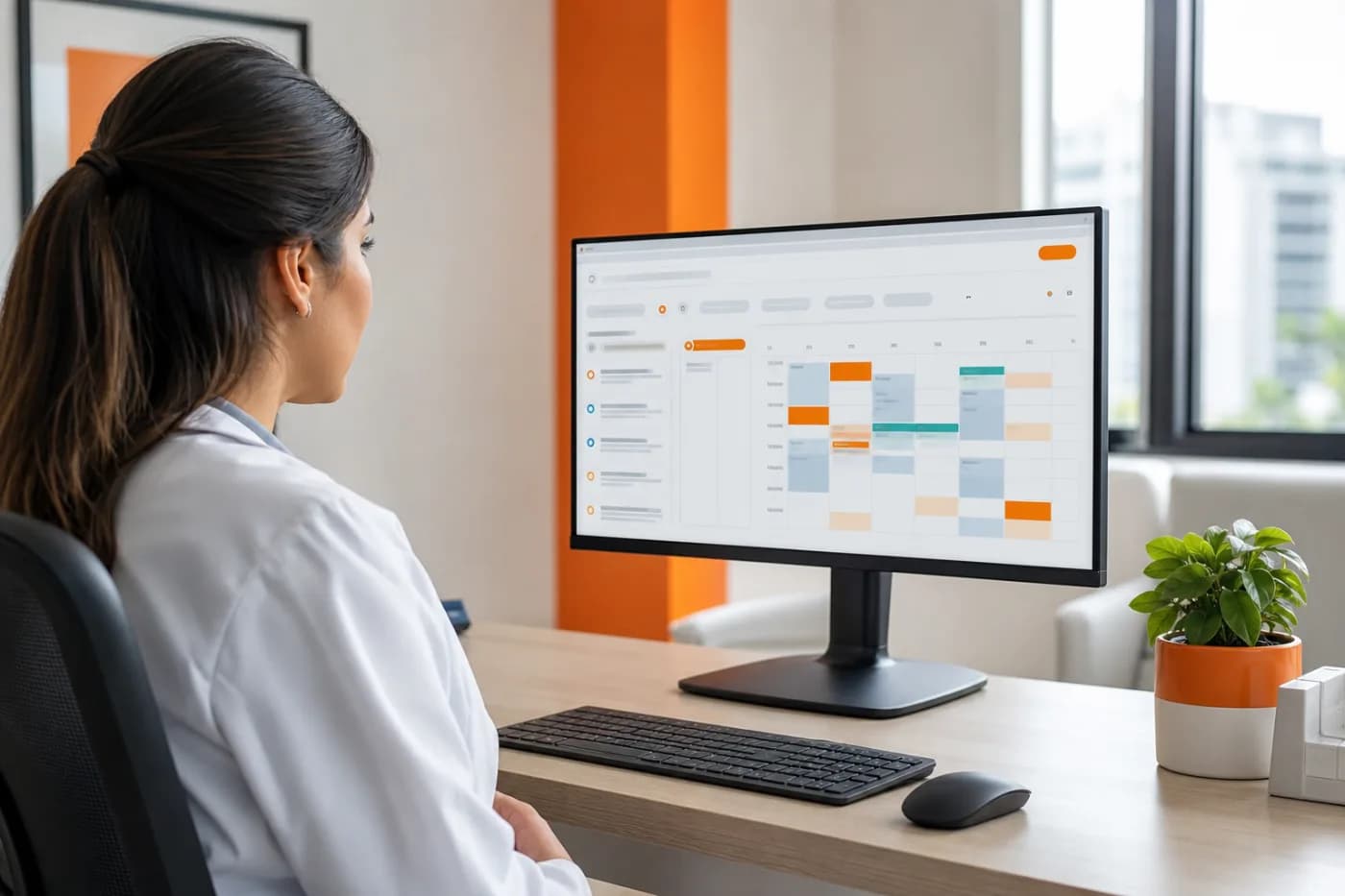
An online scheduling system can reduce phone calls, repeated messages, and scheduling conflicts at a medical office. But a useful solution for psychologists, clinics, and health care professionals is more than a calendar: it must manage availability, confirmations, cancellations, sensitive data, and, in many cases, digital medical records.
In Colombia, the right choice depends on the type of care provided, the number of professionals, the channels patients use, and the level of integration the team needs. This article explains the technical and operational criteria for evaluating an existing tool or discussing custom health care software with a developer.
What an online scheduling system should handle
Before comparing platforms, it helps to describe the office's actual workflow. At a minimum, the system should answer these questions:
- What services are available, and how long does each one last?
- Which professional provides each service, and during what hours?
- Is the appointment in person, virtual, or available in both formats?
- What information does the patient need to provide before booking?
- How are medical appointments confirmed, rescheduled, or canceled?
- What happens when a patient misses an appointment or requests another consultation?
A good solution turns these rules into a clear workflow. The patient selects a service, views available time slots, enters their information, and receives a confirmation. The team, in turn, gets an up-to-date schedule without relying on spreadsheets or on one person to respond to every request manually.
Essential features for psychologists, clinics, and medical offices
Calendar and availability by professional
The calendar should support work hours, breaks, vacations, blocked time, locations, and appointment types. If multiple professionals share resources, such as an office or specialized equipment, that availability should also be taken into account to prevent incompatible bookings.
For an independent psychologist, a simple schedule with fixed-length sessions may be enough. A clinic, however, often needs multiple specialists, rates, locations, services, and user permissions. The difference is not just visual: it affects the data model and how the rules are managed.
Confirmations and reminders
The system can send confirmations and reminders by email, SMS, or WhatsApp, depending on the available channels and the required authorizations. Messages should include the date, time, professional, appointment format, address or video call link, and options to cancel or reschedule.
These automations need safeguards. A patient should not receive duplicate messages because of a schedule update, and the team should be able to review the notification history when questions arise.
Patient registration and digital medical records
Scheduling and digital medical records are related modules, but they are not the same thing. Scheduling organizes the appointment; the medical record manages clinical information, progress notes, medical history, documents, and other records that require greater protection and traceability.
If the software will include digital medical records, the organization must define access roles, change logs, backups, retention policies, and safeguards for protecting the information. In Colombia, health data is considered sensitive and must be handled carefully under applicable data protection and medical-record regulations. The implementation should be reviewed with the institution's legal or compliance representative.
Integrations that can improve operations
Health care software becomes more useful when it connects scheduling with existing processes. Possible integrations include:
- WhatsApp or email: appointment confirmations, reminders, and answers to frequently asked questions.
- Video calls: creating links for virtual consultations and sending them automatically to the patient.
- Payments: advance payment, deposits, or rate verification before confirming the time slot.
- CRM: tracking prospective patients, pending requests, and re-engagement campaigns.
- Internal calendars: syncing with tools professionals use, with rules to prevent conflicts.
- Reports: schedule utilization, cancellations, appointments by service, and time spent on care.
Not every integration is necessary on day one. The priority should be the integrations that eliminate manual work or reduce errors in the care process.
Criteria for choosing an existing solution or building custom software
A standard platform may be appropriate when the medical office has a simple workflow, a small team, and common requirements. It can help the office get started faster, but it may limit customization, integration with internal systems, or control over data and processes.
Custom development makes sense when the organization needs specific rules: multiple locations, different appointment types, insurance or partner agreements, custom forms, integrated digital medical records, a CRM connection, or automations that a general-purpose tool does not offer.
To make the decision, evaluate these points:
- Current workflow: how many tasks are performed manually and where errors occur.
- Scalability: whether the organization will add professionals, locations, services, or care channels.
- Integrations: which systems need to exchange information and through what methods.
- Security: authentication, permissions, encryption, backups, and traceability.
- Patient experience: how easy it is to book from a phone and how clear the messages are.
- Ownership and portability: how data can be exported and what happens if the organization changes providers.
Common mistakes when implementing online scheduling
- Digitizing a disorganized process: if the care rules are not defined, the platform will only move the confusion onto a screen.
- Asking for too much information: the form should request what is needed to book, not turn the first interaction into a complete medical record.
- Ignoring cancellations: there should be clear policies and a simple process for releasing the time slot.
- Sharing sensitive information through inappropriate channels: messages should be limited and should not expose unnecessary clinical details.
- Failing to assign responsibility: someone must review synchronization failures, schedule changes, and requests that require human attention.
- Measuring only the number of bookings: it is also useful to review confirmed appointments, cancellations, no-shows, and administrative time saved.
Checklist before buying or building the system
- Define services, duration, rates, professionals, and locations.
- Document hours, breaks, exceptions, and rescheduling rules.
- Separate scheduling data from clinical information that requires greater control.
- Establish roles: administrator, professional, front desk, and patient.
- Verify how data is protected, backed up, and exported.
- Test the complete workflow from a phone, including confirmation and cancellation.
- Define priority integrations and document each party's responsibilities.
- Prepare a support, training, and post-launch improvement plan.
When to talk to a developer
It is time to seek technical advice when scheduling depends on multiple rules, the team uses disconnected tools, or operations are growing faster than manual processes can handle. It is also a good time to get help when the organization needs to integrate digital medical records, payments, WhatsApp, video calls, a CRM, or internal systems.
A developer can turn the process into a functional map, identify what should be handled by an existing tool, and determine what requires customization. The conversation should cover users, permissions, data, integrations, security, support, and a prioritized first version—not just colors, buttons, or a booking page.
Frequently asked questions about online scheduling
Does an online scheduling system work for an independent psychologist?
Yes. It can manage schedules, sessions, confirmations, rescheduling, and in-person or virtual consultations. The level of complexity should match the professional's actual workflow.
Does online scheduling replace digital medical records?
Not necessarily. They are different components. A solution can integrate both, but medical records require access controls, traceability, and careful handling of sensitive information.
Can medical appointments for multiple professionals be managed?
Yes, as long as the system supports separate calendars, services, locations, durations, and availability rules. Clinics with higher volume should also consider including roles and reports.
Is it better to buy a platform or build health care software?
It depends on the complexity of the workflow and the required integrations. A standard platform may cover common needs; custom development is useful when the organization's rules or internal systems do not fit a general solution.
What information should I prepare when requesting a proposal?
Describe the services, professionals, locations, hours, care channels, information collected from patients, integrations, and current problems. It also helps to explain what should happen after a patient books an appointment.
Build a scheduling system that fits your operations
Good online scheduling does more than accept appointments: it organizes operations, improves communication with patients, and creates a foundation for automating other processes. For a medical office or clinic in Colombia, the solution must balance ease of use, security, compliance, and the ability to integrate with other systems.
If you need to evaluate a tool, design software for psychologists, or develop a health care solution with scheduling, digital medical records, and integrations, let's discuss your workflow. We can review the technical scope and define a realistic plan for building it.