
Business Software
Software for Barbershops and Salons: Bookings, Checkout, and Customer Loyalty
Learn what software for barbershops and beauty salons in Colombia should include: online booking, POS, cash management, customer records, commissions, and loyalty tools.
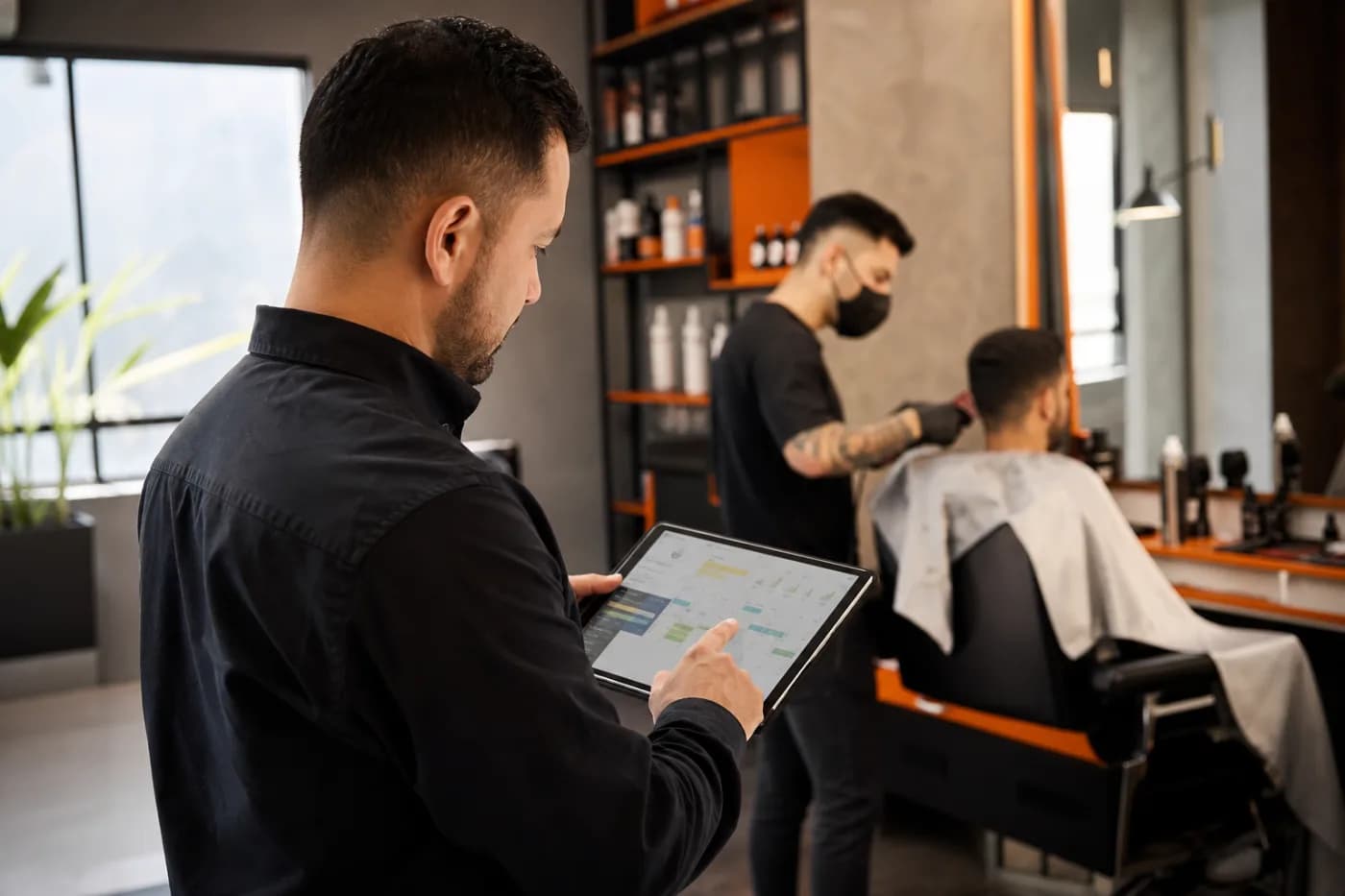
Running a barbershop, beauty salon, or spa through WhatsApp, a paper appointment book, and a spreadsheet works until the number of appointments, services, and employees grows. At that point, scheduling conflicts, unrecorded sales, and limited insight into customers who do not return start to appear.
Barbershop software should do more than manage appointments. It should also connect online booking for a beauty salon with the checkout system, services, professionals, and each customer relationship. The priority is not having a long list of features. It is having a system the team can use every day that provides reliable information for making decisions.
What should software for barbershops and salons handle?
Before comparing providers, it helps to describe the business's specific problems. The right system should help you:
- Show each professional's and service's actual availability.
- Let customers book through a link, website, or integrated channel.
- Reduce double-booked time slots and incorrectly recorded appointments.
- Record payments, payment methods, discounts, tips, and refunds.
- Review each customer's service history and preferences.
- Track sales, utilization, most-requested services, and team performance.
- Create loyalty campaigns without relying on manually maintained lists.
In Colombia, it is also important to confirm that the checkout process supports the payment methods the business actually uses and that the system can grow without requiring a platform change when a new location opens.
Online booking for a beauty salon: more than a calendar
The booking module is the customer's most visible point of contact. A basic calendar shows available time slots, but a well-designed system manages the business's rules.
Features worth reviewing
- Booking by service and professional: customers should see only the available combinations.
- Service duration and setup time: a color service, haircut, and treatment do not require the same amount of time.
- Confirmations and reminders: these can be sent by email, SMS, or messaging channels, depending on the available integration.
- Rescheduling and cancellations: these should follow clear rules, especially when a deposit is required.
- Calendar blocks: these are useful for breaks, meetings, vacations, or maintenance.
- Bookings for multiple people: these are useful for groups, events, or bundled services.
You should also review the mobile experience. Many customers will look for an appointment outside business hours and abandon the process if they have to exchange several messages just to check availability. The booking link should be simple, fast, and consistent with the brand.
POS for barbershops: connect the appointment to checkout
A POS for barbershops should not be limited to adding up products. Its value comes from connecting the sale to the appointment, service provided, professional, and customer.
For example, when a service is completed, the system can record the haircut, a hair-care product, the payment method, and the applicable commission. This avoids reconstructing the transaction at the end of the day from receipts or scattered messages.
Important point-of-sale capabilities
- Open and close the cash register by shift or user.
- Record cash, transfers, cards, and other payment methods used by the business.
- Apply discounts with authorization and an audit trail.
- Provide basic inventory control for products sold or used internally.
- Separate services, products, tips, and other charges.
- Report sales by date, location, professional, and category.
- Set different permissions for administrators, cashiers, and staff members.
If the business needs electronic invoicing, payroll, accounting, or integration with a specific provider, that requirement should be evaluated from the start. Not every appointment system includes these components, and adding an integration later may involve extra costs or limitations.
Loyalty based on useful information
Customer loyalty is not just about sending discounts. A system can help identify when a customer typically returns, which service they use, and what type of communication is appropriate.
Practical actions include creating reminders to repeat a service, offering benefits after a certain number of visits, or segmenting customers by frequency, average transaction value, or treatment type. These actions must respect consent requirements and applicable obligations for handling personal data in Colombia.
The customer profile can also include relevant operational notes, such as service preferences, products used, or details from previous services. The team should know what information it can record, who can view it, and how long it will be retained.
Common mistakes when choosing a system
- Choosing based on the number of features: a system with many options that is difficult to use ends up being an expensive appointment book.
- Not testing the entire workflow: the demonstration should include booking, service delivery, payment, cancellation, and reporting.
- Ignoring permissions: not every employee needs access to sales, commissions, or sensitive information.
- Separating the calendar and checkout: this duplicates work and creates discrepancies between appointments and revenue.
- Not asking about data and exports: find out how data is backed up, downloaded, and migrated.
- Underestimating integrations: WhatsApp, payments, invoicing, accounting, and marketing may require specific configurations.
- Buying without calculating for growth: review pricing by user, location, transaction, or module.
Checklist for comparing barbershop software
Before making a decision, use this list during a trial or sales meeting:
- Can customers book from their phones without help from the team?
- Does the calendar support different professionals, locations, services, and durations?
- Can you configure deposits, cancellation policies, and rescheduling?
- Does the POS record services, products, discounts, tips, and payment methods?
- Can cash register closings be reviewed by shift and user?
- Does the system show customer history and contact information?
- Does it provide reports that support decisions about schedules, services, and staff?
- Can it manage multiple locations, or is it ready to do so?
- What support does the provider offer, and during what hours?
- How is data protected, backed up, and exported?
When should you talk to a developer?
It is worth talking to a developer when the business needs to connect several processes or standard solutions do not reflect how it operates. Clear signs include special rules for commissions, packages, memberships, bonuses, bundled services, at-home services, multiple locations, or calendars with shared resources.
Custom development can also be useful when existing systems need to be connected: a website, payment gateway, invoicing, accounting, CRM, WhatsApp, or marketing tools. The recommendation is not always to build everything from scratch. In many cases, a good architecture combines a booking SaaS with integrations and custom modules where they provide a real operational advantage.
Before requesting a quote, prepare the current workflow, user roles, services, scheduling rules, payment methods, and required reports. This information makes it easier to estimate the scope and avoid paying for features that do not address a priority.
Frequently asked questions
What is barbershop software?
It is a platform for managing bookings, customers, services, professionals, checkout, and, depending on the system, inventory, commissions, and loyalty from one place.
Does a small salon need a POS?
It may be useful if the salon needs to organize payments, control cash register closings, and connect each sale to a service, product, or professional.
Does online booking replace WhatsApp?
Not necessarily. It can reduce the operational workload handled through WhatsApp and leave that channel available for questions, follow-up, and personalized service.
Can software be integrated with a website?
Yes, depending on the platform. The integration may use a button, booking link, API, or module built into the site.
When does it make sense to develop a custom system?
When the business rules, integrations, or reports are so specific that a standard solution creates manual work or limits growth.
A more organized operation starts with the right workflow
For a barbershop, salon, or spa, the best platform is not the one that promises to do everything. It is the one that connects bookings, service delivery, checkout, and customer information with as little manual work as possible. Start by documenting how the business operates today, then compare what a SaaS can handle and what requires an integration.
If you need to evaluate a booking system or connect scheduling, POS, CRM, and automations for your business, let's discuss your operation. David Campos can help you define a technical solution that fits your processes and goals.